Cloudflare Integration
🔐 Step-by-Step Cloudflare Setup
✅ Log in
- Log in to your Cloudflare Dashboard.
🧱 Create Access Key
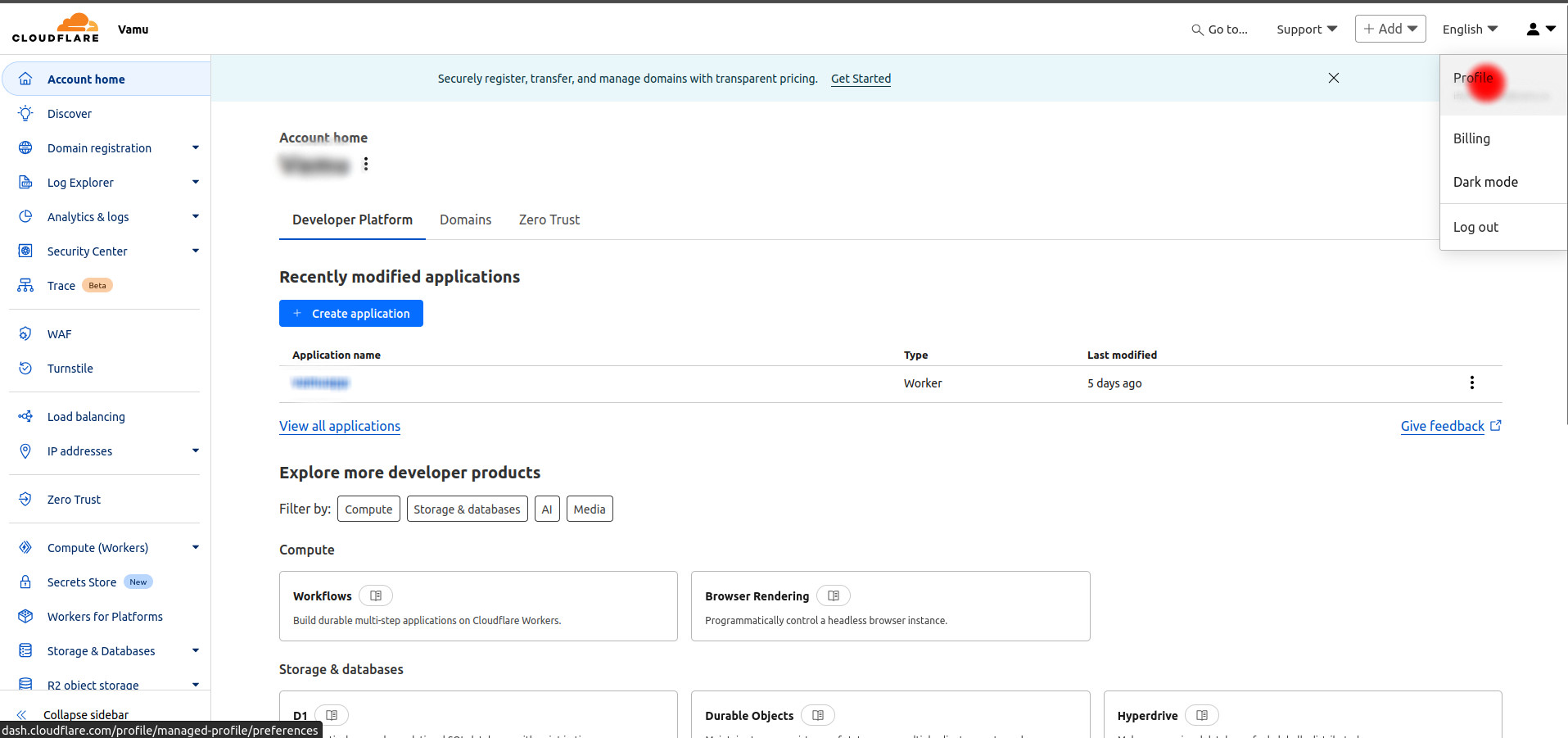
- Navigate to My Profile by clicking on the user icon on the top right of the page.
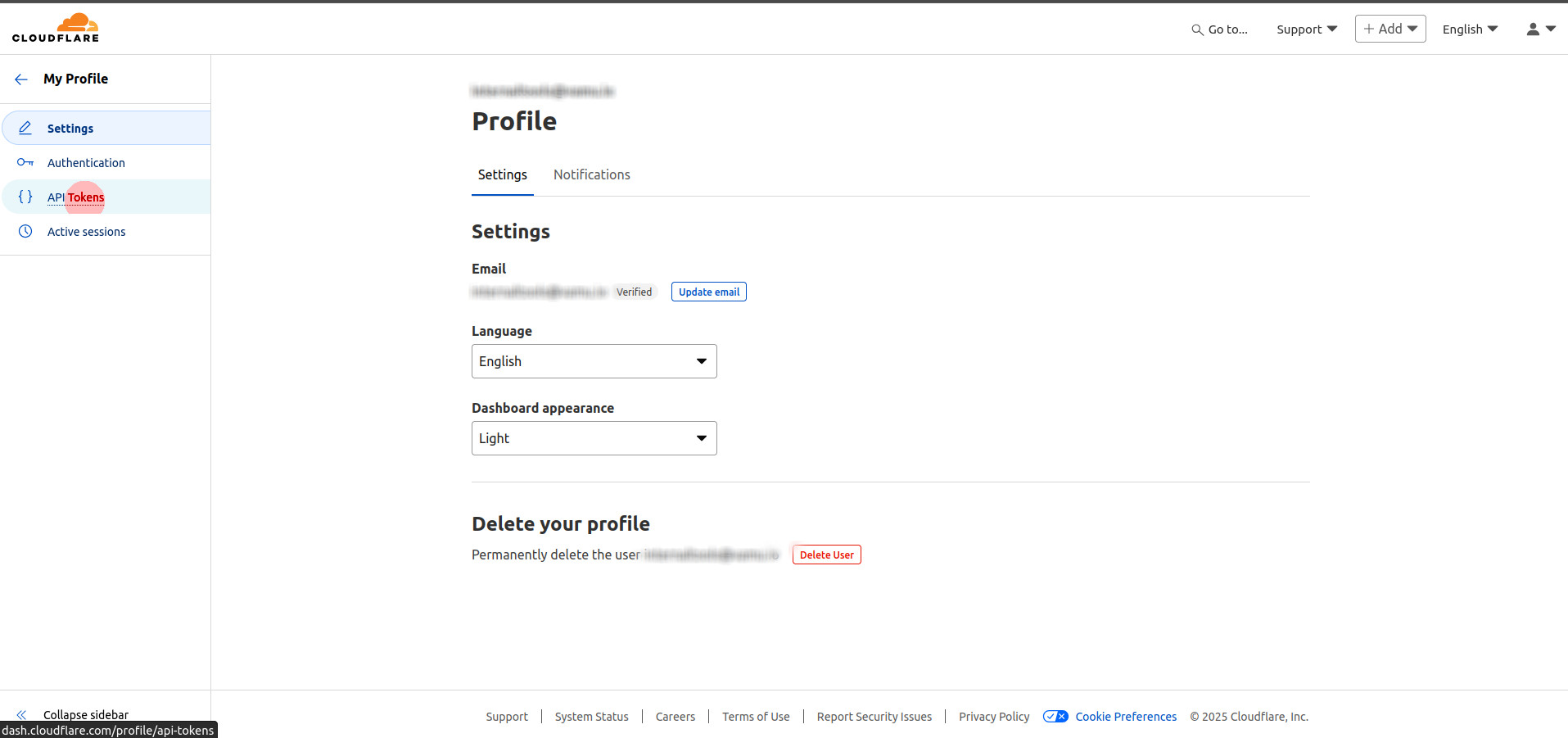
- Click on API tokens from the left hand menu.
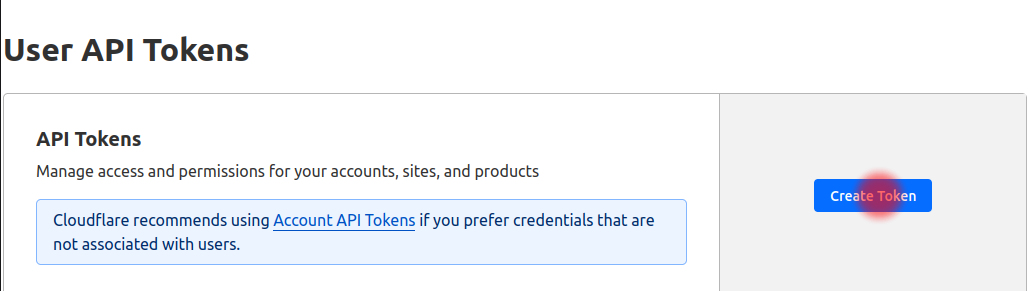
- Now click on Create Token button.
- Click on Use template next to the Read all resource's option.

- Scroll to the bottom of the page, leaving all the default permissions as they are. Click on Continue to summary. You should be shown a summary of all the permission.

- Now click on Create Token.

💾 Save Keys
- Once the token is generated, please ensure to copy the token before navigating away from the page, as there will be no way to retrieve this once you exit the page.
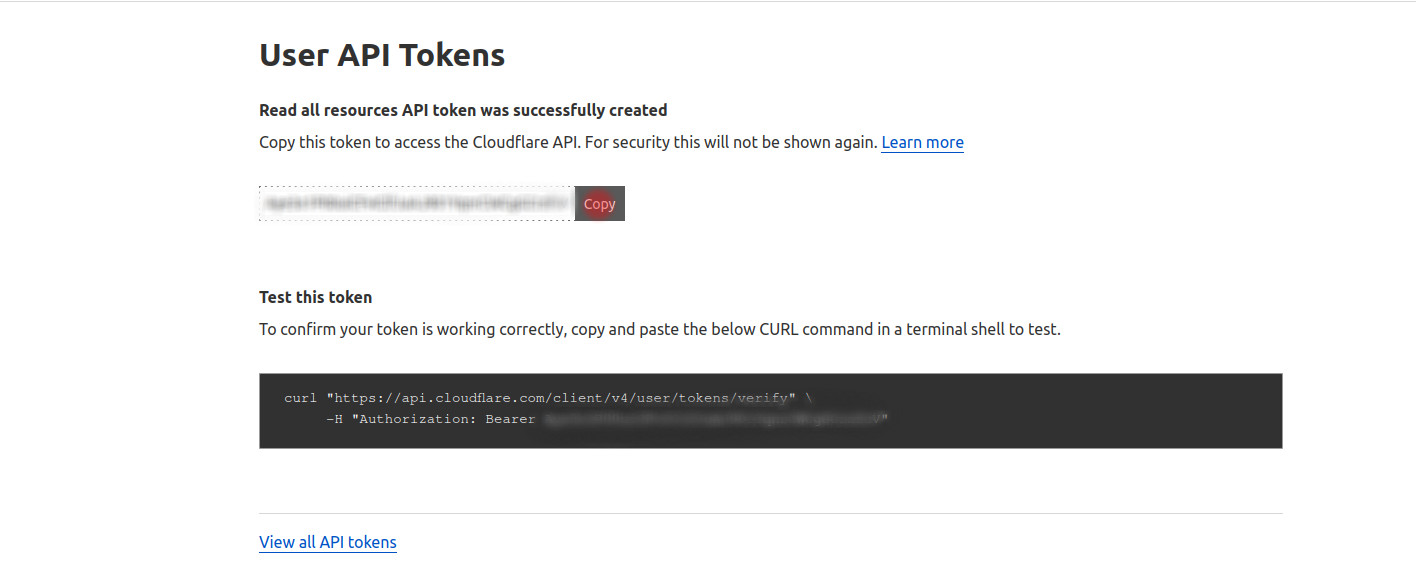
- Paste the copied token into it's corresponding field.
✅ You’re all set! Vamu will now connect securely to your Cloudflare.