AWS Integration
🔐 Step-by-Step AWS Setup
✅ Step 1: Log in
Log in to your AWS account.
🔎 Step 2: Open Security Credentials
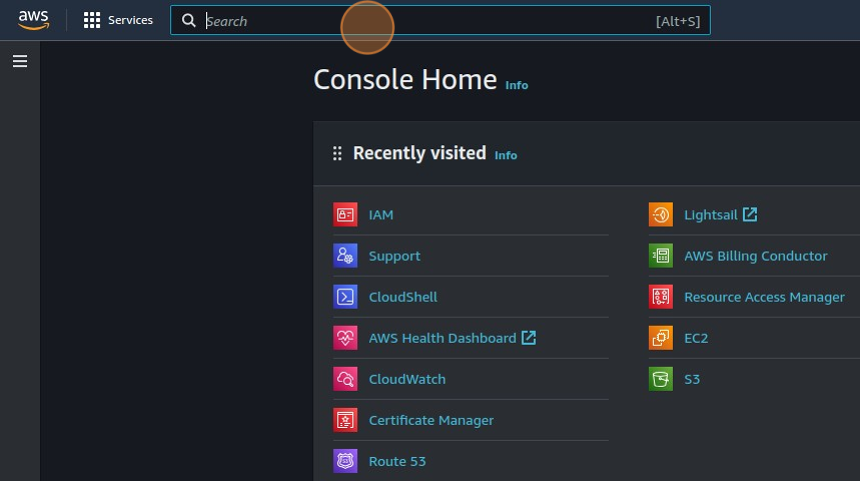
Search for Security credentials in the AWS Management Console, then click on
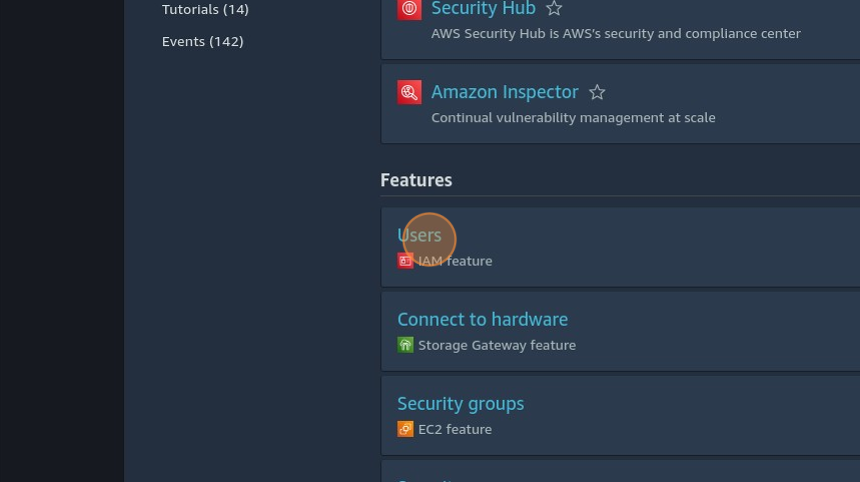
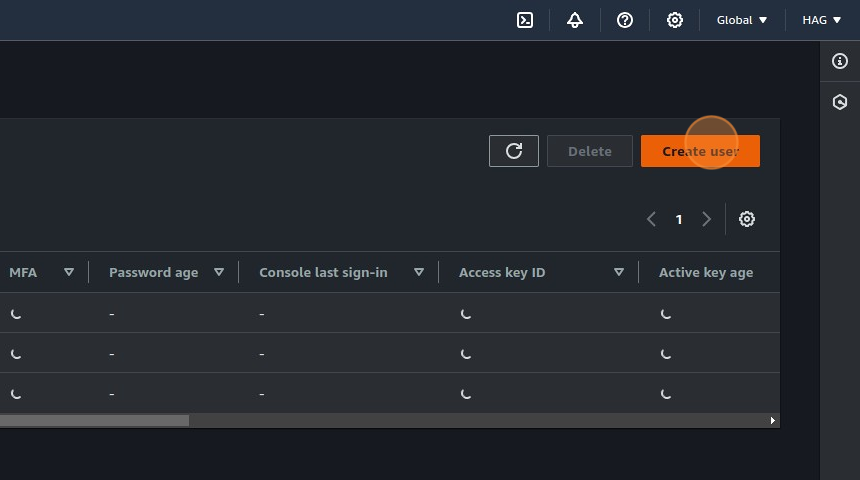
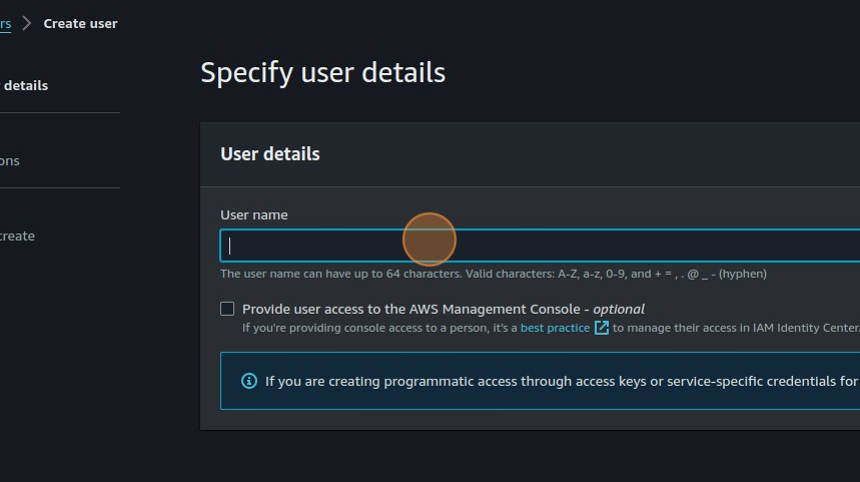
Users (IAM Features) and select Create User.
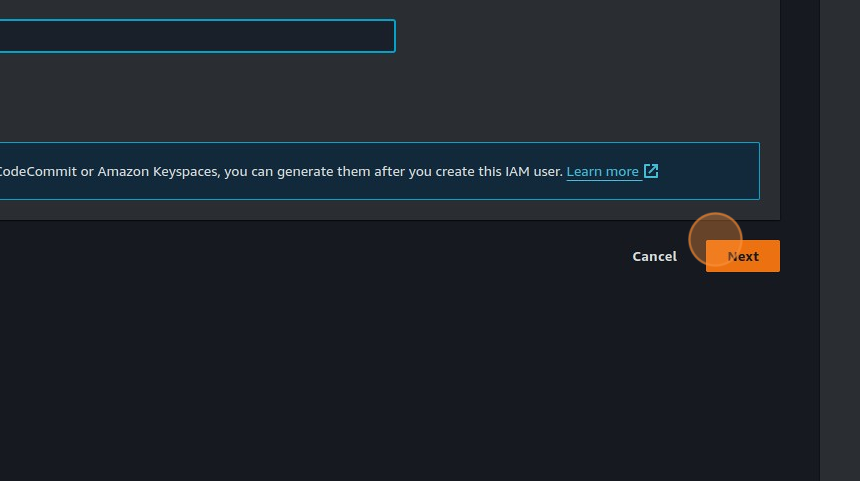
🔐 Step 3: Set User Permissions
While setting permissions, choose Attach policies directly and include the following:
📥 Step 3.0: Download Policy JSON
👉 Download IAM Policy JSON Save this file — it will be used in the next step.
🛠 Step 3.1: Create a Custom Policy
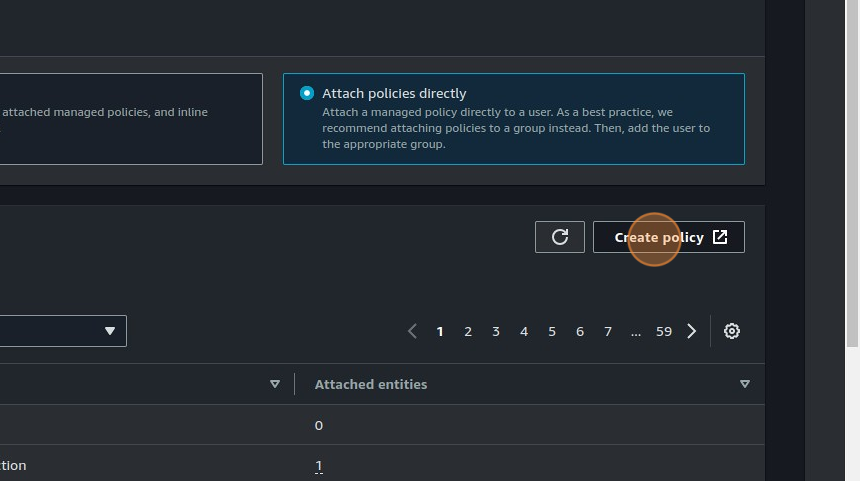
Click on Create policy — this will open a new tab.
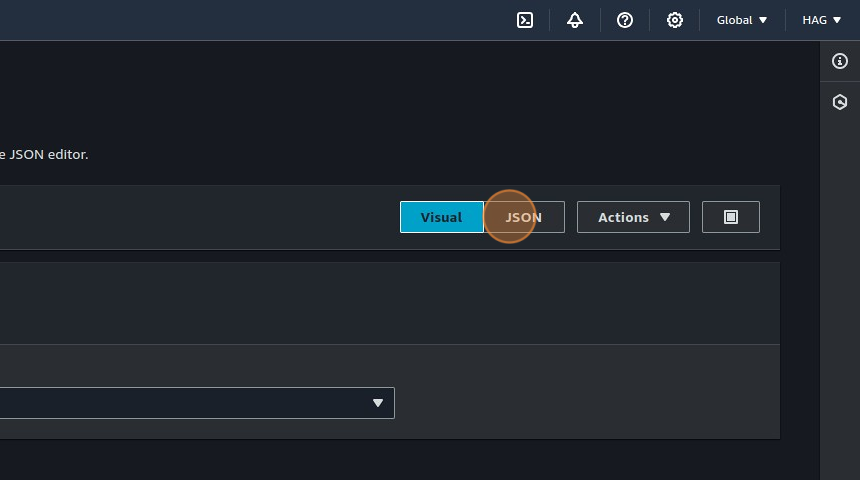
Choose the JSON tab and paste the content from the downloaded JSON.
✏️ Step 3.2: Name and Create Policy
Fill in the policy name and click Create policy at the bottom.
🔁 Step 3.3: Attach the Created Policy
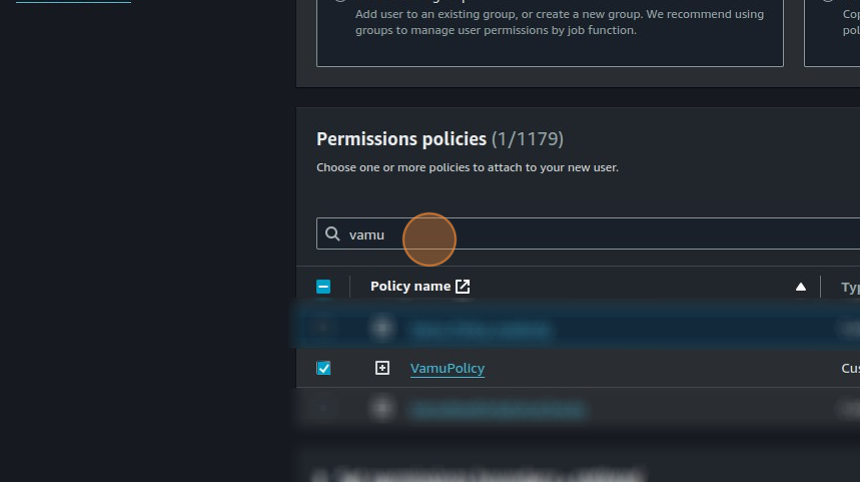
Go back to the original tab and search for the policy you just created.
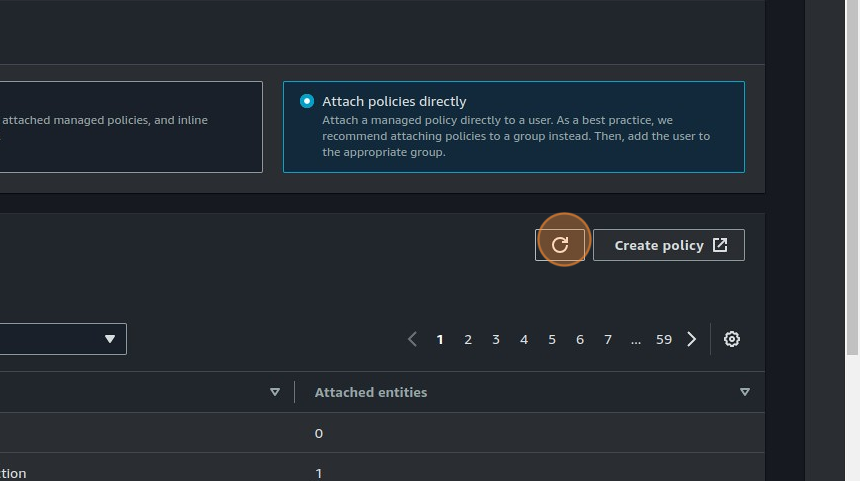
If you can’t find it, click the refresh icon next to the Create policy button.
✅ Step 3.4: Choose the Following Policies
- Your custom policy
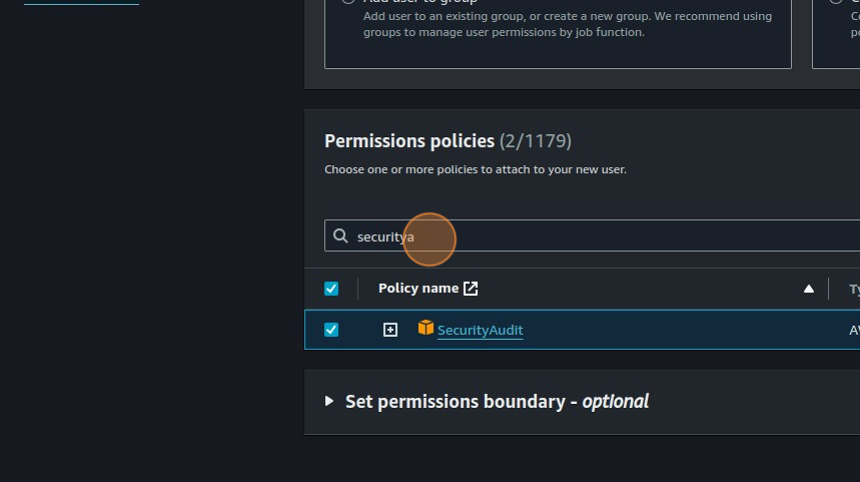
- SecurityAudit
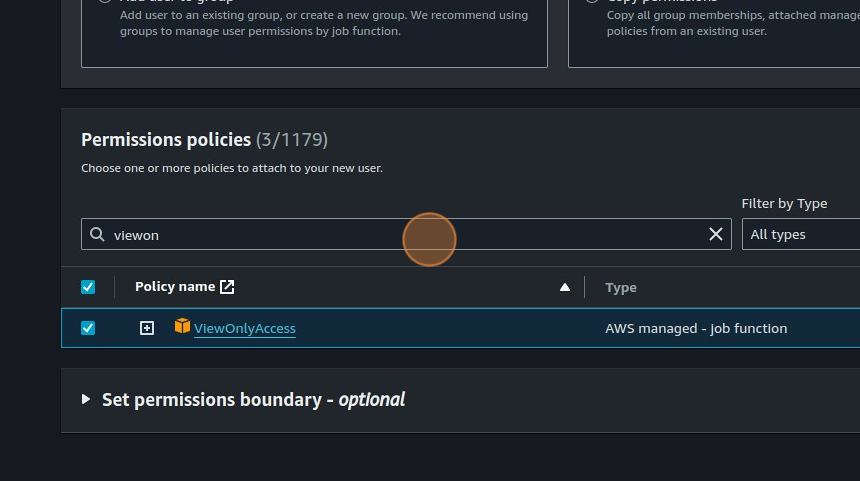
- ViewOnlyAccess
SecurityAudit
ViewOnlyAccess
📋 Step 3.5: Review Permission Summary
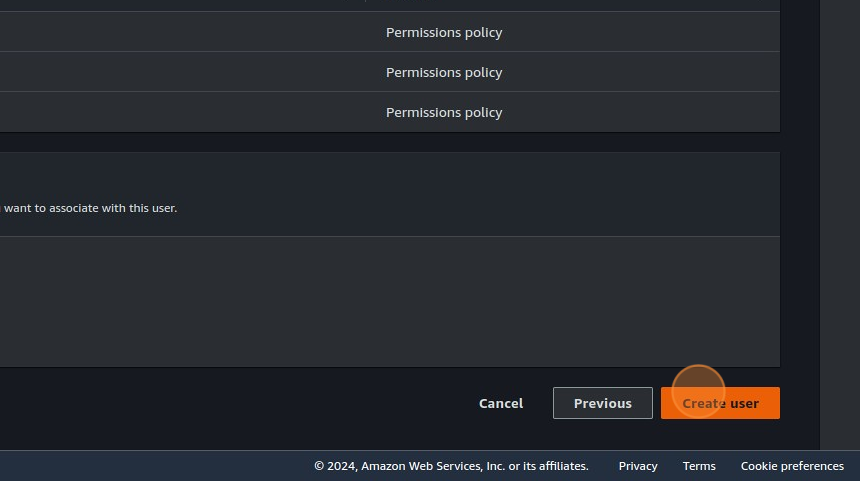
Click Next, and you’ll see all three policies in the Permission summary.
👤 Step 3.6: Create the User
Click Create user.
👤 Step 4: Select the Created User
Click on the user you just created.
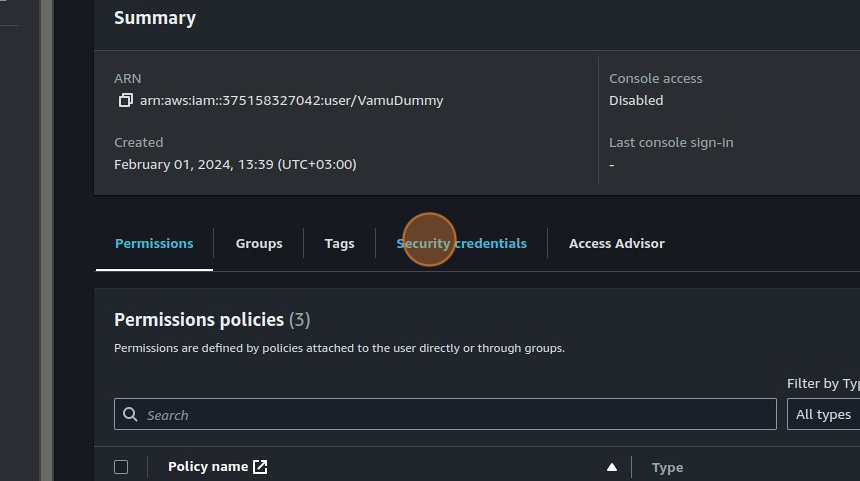
🔐 Step 5: Go to Security Credentials
Click the Security credentials tab.
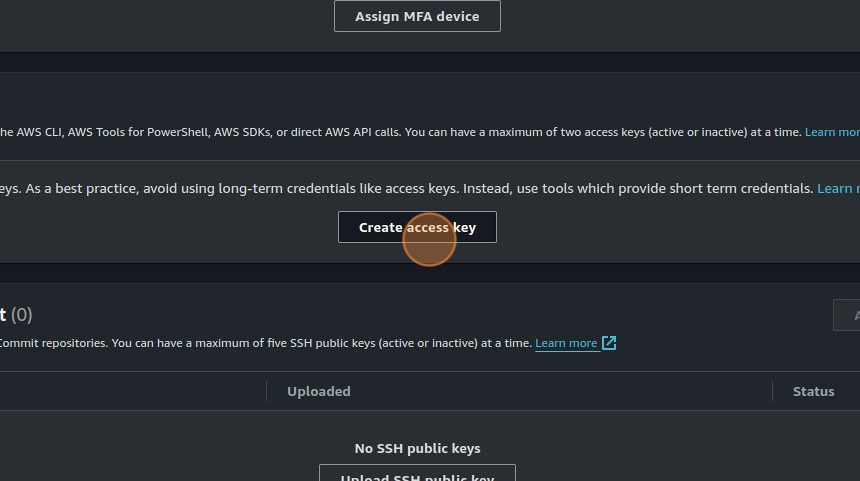
🔑 Step 6: Create Access Key
Scroll to Access keys and click Create access key.
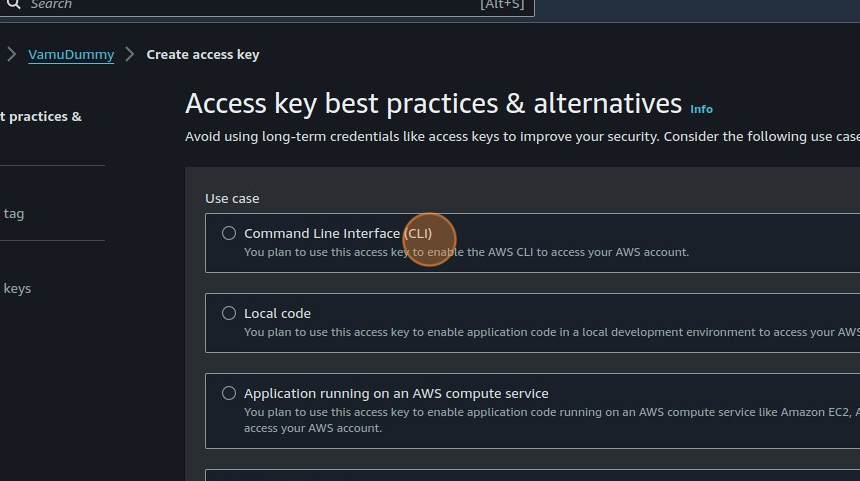
💻 Step 7: Select CLI Usage
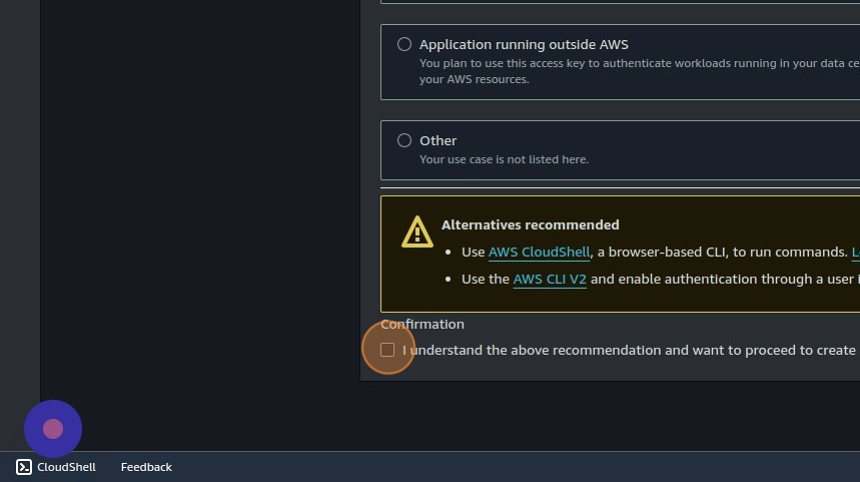
Choose Command Line Interface (CLI).
Accept the confirmation at the bottom and continue.
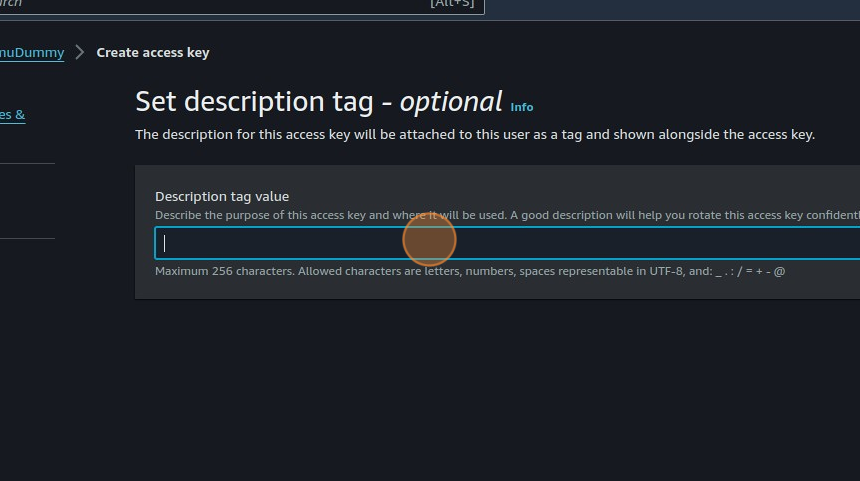
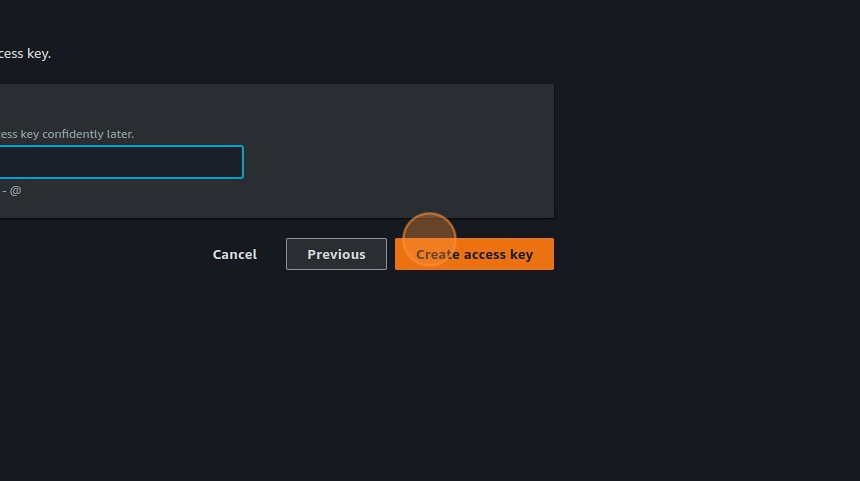
📝 Step 8: Describe and Create Key
Provide a description and click Create Access Key.
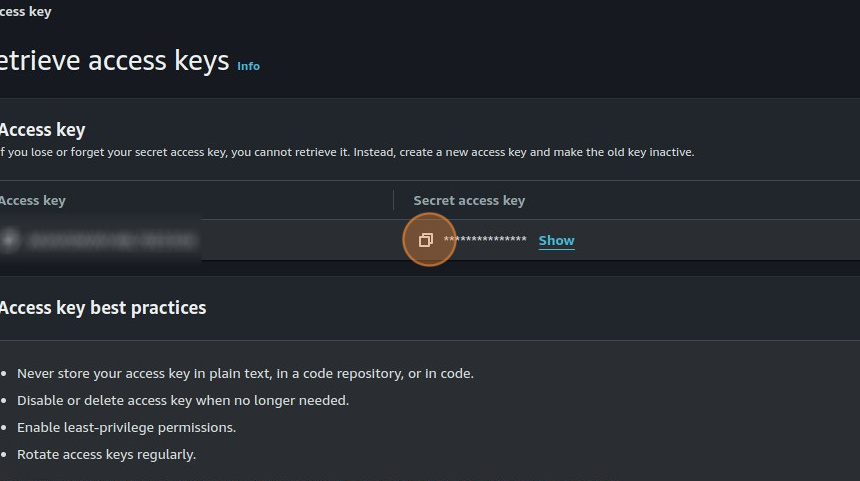
💾 Step 9: Save Your Access Keys
Save both the Access key and Secret access key.
You will need them to connect AWS with Vamu via the SaaS interface.
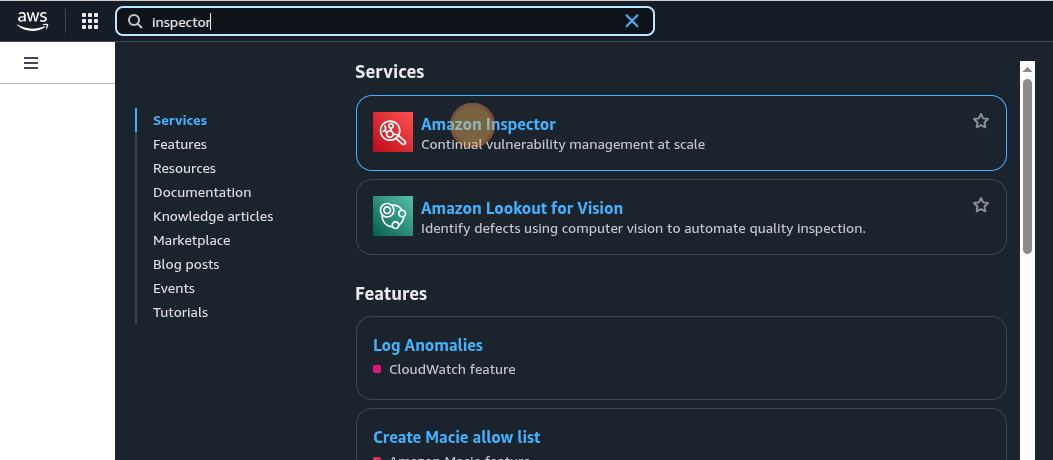
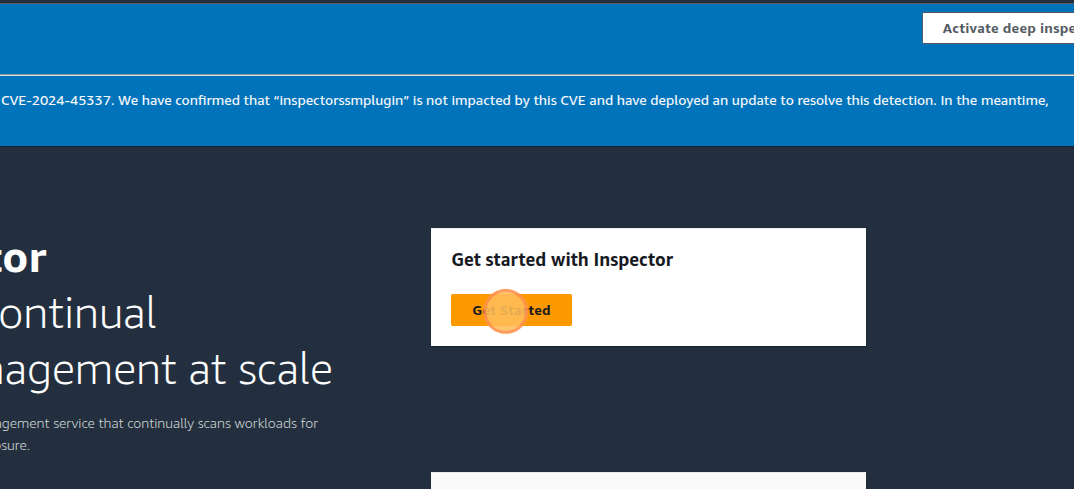
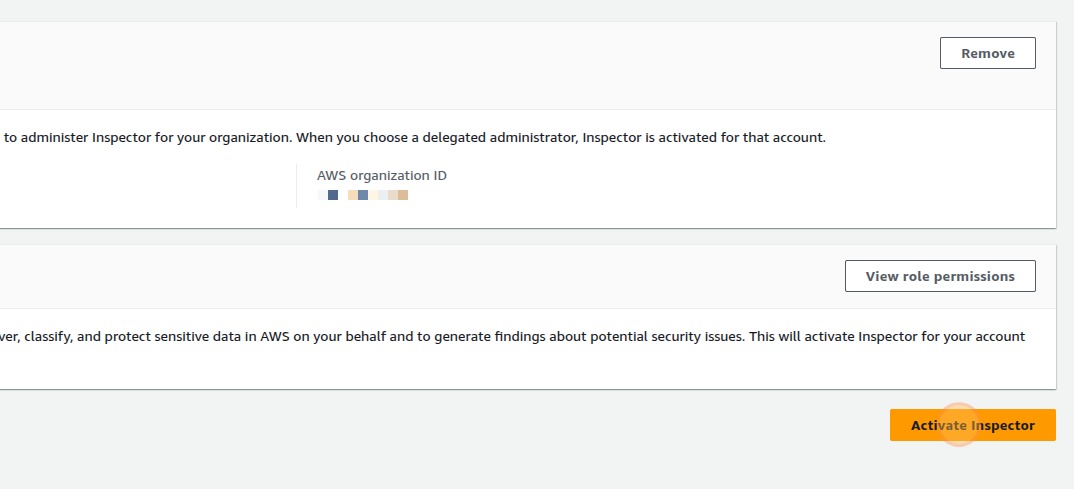
🛡️ Step 10: Enable AWS Inspector
Ensure AWS Inspector is active to scan for vulnerabilities.
✅ Done!
You’ve now successfully set up your AWS integration with Vamu.